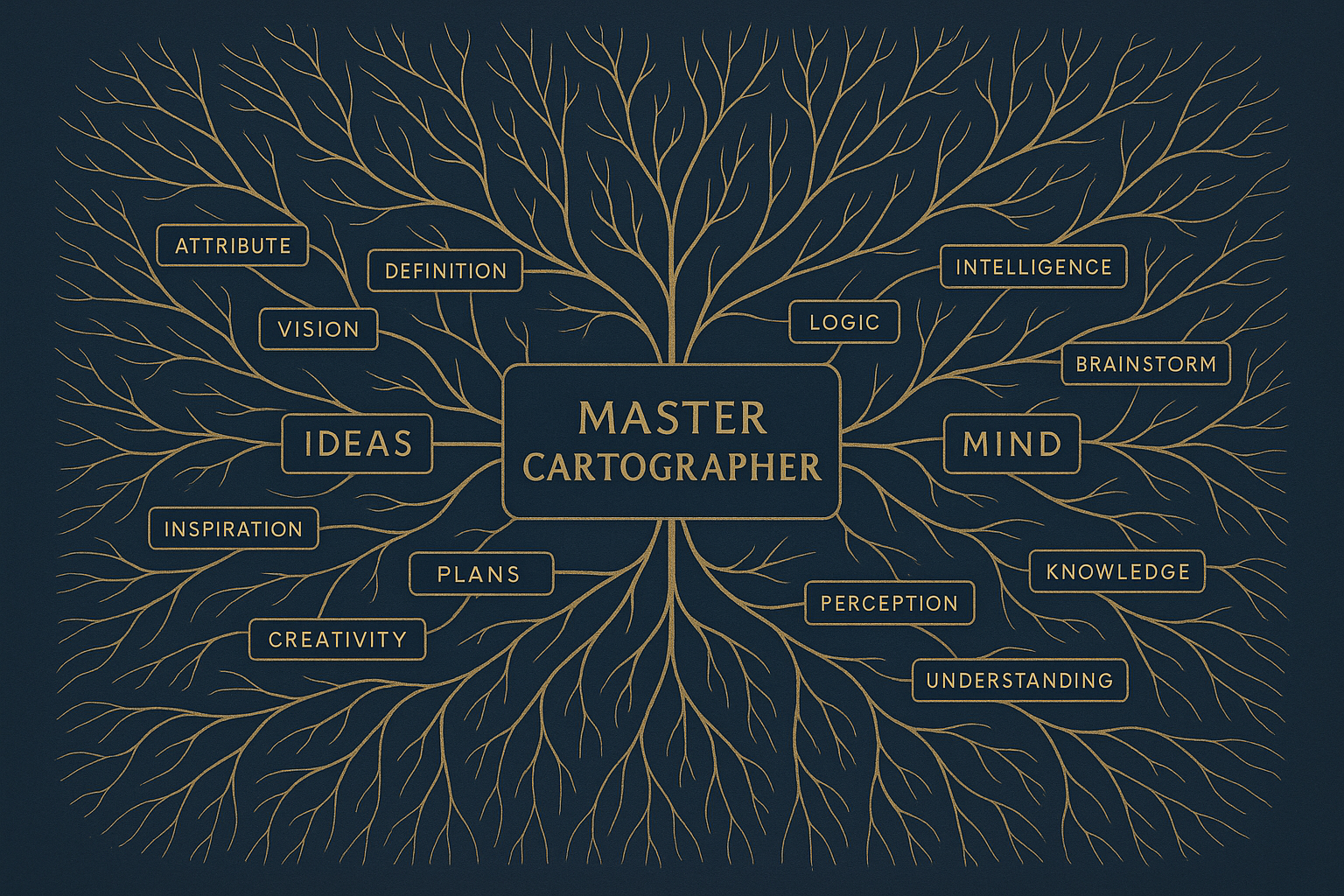
Color in a mind map isn't mere decoration. It's an additional layer of information your brain processes before you've consciously read a single word. Used randomly, color is just visual noise. Used systematically, it becomes a silent guide that does half the navigation work for you every time you return to a map. That's the difference between a colorful page and a genuinely useful one. This article gives you a quiet, consistent color system — one you build once and then apply everywhere, so that every map you create becomes instantly more readable, more actionable, and more memorable.
The Problem with Random Colors
Most people approach color in mind maps the way a child approaches a fresh box of crayons: enthusiastically, and without a plan. Red here, blue there, orange because it felt right in the moment. The result looks vibrant. It also communicates nothing.
Your brain is a pattern-recognition engine. It's constantly scanning for signals in the environment, trying to extract meaning from what it sees. When color carries no consistent meaning, your brain spends energy trying to decode it and comes up empty. That's cognitive overhead with no return on investment. Worse, it creates a false sense of organization. The map looks structured because it's colorful. But when you return to it three weeks later, you're starting from scratch, reading every node as if you've never seen the map before.
A real color system solves this at the root. When every shade carries the same meaning across every map you ever make, the colors start speaking before the words do. You glance at a section heavy in blue and you already know it's evidence-dense. You spot an orange cluster and you know exactly where your action items live. The map becomes a terrain you can navigate by sight, not just by reading.
Why Consistency Across Maps Is the Real Power Move
Here's what most color-coding guides miss: the system only works when it's universal. Applying different color meanings to different maps is like using different road signs in different cities. You can figure it out, but it costs you time and mental energy every single time.
The goal is to build what psychologists call a "schema" — a mental shortcut your brain uses to process familiar patterns quickly. When green always means core concept across every map you've ever made, your brain stops asking "what does green mean here?" and starts simply reading the information green is pointing to. That automation is where the real time savings live. It's the difference between a compass you have to recalibrate every morning and one you can trust the moment you pick it up.
Commit to your system once. Apply it everywhere. The investment is small. The compounding benefit over months of study or work is significant.
The Four-Color System
Keep it simple. Four colors, four meanings. Here's the map before you:
- Blue: Use this for information-heavy sections. When you see blue, your brain should immediately register that this is the data-driven part of the map.
- Green: Reserve this color for core concepts. Green is the heart of your map, the central ideas that all other nodes should connect back to.
- Orange: Assign this color to actionable tasks. When you see orange, you should know these are the things you need to do or follow up on.
- Red: Use red sparingly for warning or critical alerts. This should grab your attention immediately as something needing urgent focus.
Practical Applications: Real-World Examples
Imagine you're a project manager juggling multiple projects. You're using mind maps to keep track of each project's components. By applying the four-color system, you can streamline your workflow significantly. For example, use blue for data metrics and status updates, green for project milestones, orange for tasks assigned to your team, and red for critical deadlines. This way, simply glancing at your mind map gives you an immediate snapshot of what's important right now.
Similarly, consider a student preparing for exams. They could use green to highlight key theories, blue for evidence and case studies, orange for assignments and study tasks, and red for areas where they need extra help or focus. This color-coded system reduces the cognitive load, allowing the student to focus energy on learning rather than organizing.
In a corporate setting, a sales team might use color-coded mind maps to track client interactions and sales processes. Blue could represent customer data and feedback, green for sales targets, orange for follow-up actions, and red for urgent client issues. This creates a dynamic, visual sales pipeline that teams can update in real-time.
Expanding the Palette: When and How
While the four-color system provides a strong foundation, certain scenarios may benefit from a more nuanced palette. For example, educators designing a curriculum might add additional colors to differentiate between lecture topics, quizzes, and group activities. However, the key is to maintain consistency within each expanded category to prevent overwhelming the user.
If you decide to expand your color palette, do so strategically. Introduce new colors only when a clear need arises and ensure that each new hue fills a distinct role. This approach prevents your map from becoming a chaotic rainbow without purpose.
Editorial Opinion
At Summary Maps, we believe that color-coding your mind maps is not just about aesthetics but about creating a silent dialogue between your mind and the map. When you train your brain to understand this language, it becomes second nature, freeing up cognitive resources for more critical thinking and problem-solving.
We've seen how this approach revolutionizes the way people learn and manage information. The beauty of a consistent color system lies in its simplicity and efficiency. It's about developing a personal navigation system that you can rely on across various contexts and projects.
Our unique take is that color-coding is a form of personal expression within the framework of structured learning. It's like creating your own learning fingerprint—uniquely yours, yet universally understandable. This duality makes color-coding a powerful tool not only for individual growth but also for collaborative environments where shared understanding is crucial.
Practical Steps to Implement Your Color System
So, how do you get started? Here are some actionable steps to implement your color-coding system effectively:
- Choose Your Colors Wisely: Start with the four basic colors and define what each one represents for you. Write this down and keep it visible as you create new maps.
- Consistent Application: Apply these colors consistently across all your maps. This might take some discipline initially, but the payoff is immense in terms of reduced cognitive load and increased map readability.
- Regular Review: Set aside time at the end of each week to review your maps. This helps you ensure that your color system remains relevant and useful, making adjustments as necessary.
- Seek Feedback: If you're working in a team, encourage others to adopt the same system and ask for their feedback. This can lead to a more cohesive understanding across your organization and enhance team collaboration.
- Iterate and Improve: As you become more comfortable with your system, don't be afraid to make tweaks. The goal is to develop a system that serves you best, which might evolve over time.
Conclusion: Your Next Steps
Start by choosing your four colors and assigning them consistent meanings. Apply this system to one of your current projects. Observe how quickly you adapt to this new way of working and how much mental energy you conserve by eliminating the clutter of random colors.
Once you've implemented your color system, review your maps regularly. Adjust the system as needed, but strive for consistency. Over time, you'll develop a more intuitive grasp of your own thinking process, making your mind maps not just tools for organization, but powerful allies in your pursuit of knowledge and efficiency.
Embrace the quiet system of color-coding and transform the way you interact with mind maps. This small change can lead to significant improvements in how you process and retain information, turning the chaos of vibrant colors into a symphony of understanding. As you refine your color-coding strategy, you'll find yourself navigating your thoughts with greater clarity and precision, making every map a powerful tool in your cognitive arsenal.
Want to go deeper?
Turn this book into an interactive visual mind map on Summary Maps. Explore every chapter, key idea, and connection — all in one view.
Try Summary Maps Free →